Panel Guide
Tyco MZX/MX – RS232
Panel Connection – RS232
|
Manufacturer |
TYCO |
|
Model |
MZX and MX |
|
Cable Required? |
Unterminated serial cable with RJ11 connector |
|
Panel Profile |
TYCO-MX-PRINTER-SIA-RS232 or TYCO-MX-UDL-RS232 |
|
Panel Connection |
RS232 |
|
Technical Notes |
Only one of Alarms and UDL can be used. Select the appropriate Panel Profile during configuration based on the panel setup. Use the panel’s printer port to connect to the DualCom Pro for Alarms. Use the panel’s local port to connect to the DualCom Pro for UDL. If an EN54-compliant installation is required, please also follow the instructions in the DualCom Pro 2 Fire EN54 Variant Quick Guide. |
Important Information
- For Printer Port operation, pins 5 & 6 on the RJ11 connector must be shorted together.
- Then ensure the printer port is programmed on the panel as 3rd party equipment.
- A Zettler panel will require the MZX Consys programming tool and Dongle to programme the printer port.
Panel Connection Information
|
DualCom Pro |
COM 1 Printer RJ11 |
COM2 PC RJ11 |
|
RTN |
Pin 1 (GND) |
Pin 1 (GND) |
|
RS232-T |
Pin 2 |
Pin 2 |
|
RS232-R |
Pin 3 |
Pin 3 |
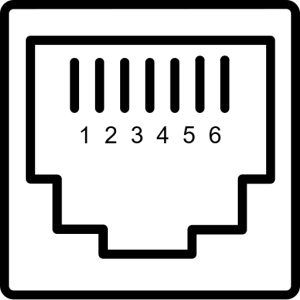
RJ11 Pin Assignments